
Locate your assets.
A shared view of your fleet
Bring vehicles, trailers and movable assets onto one map. Link positions with registration or asset IDs, assigned drivers and the latest received tracker update.
TAS Fleet Management
Track vehicles, trailers and movable assets with site context, geofences, assigned drivers and supported tracker telemetry.
Fleet overview
Select an asset below to explore a sample fleet overview.
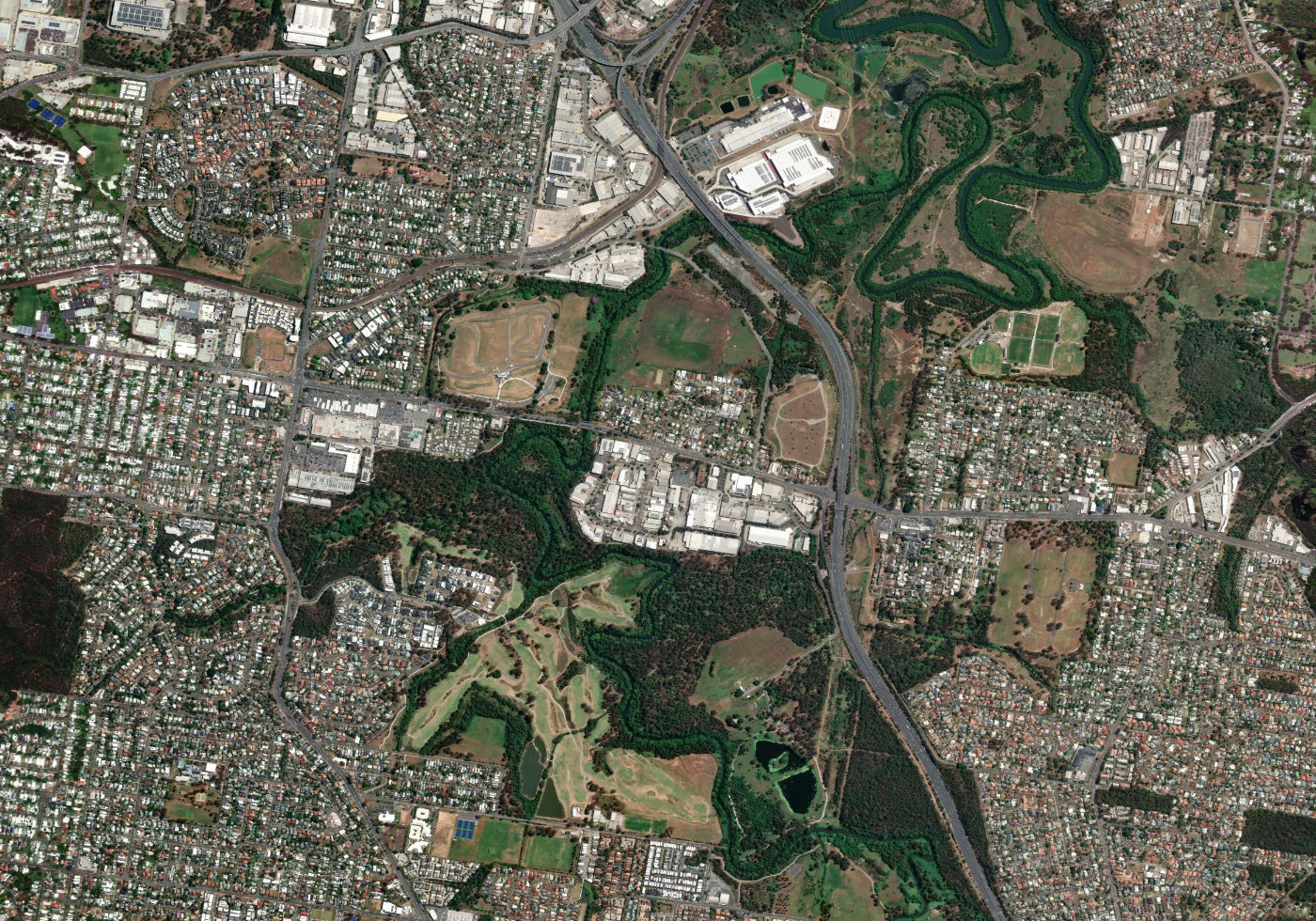 Depot A · GeofenceSite B · Geofence
Imagery: Esri, Maxar, Earthstar Geographics and GIS User Community
Depot A · GeofenceSite B · Geofence
Imagery: Esri, Maxar, Earthstar Geographics and GIS User CommunitySelected asset
Moving · Sample tracker update
Sample values. Available fields and reporting frequency depend on the tracker and configured integration.
Core fleet capabilities
A clear view of what moves, where it belongs and what needs attention.
A shared view of your fleet
Bring vehicles, trailers and movable assets onto one map. Link positions with registration or asset IDs, assigned drivers and the latest received tracker update.
Sites, boundaries and telemetry
Place each asset in its allocated site context. Review geofence events and available speed, ignition and engine-hours data, with visibility controlled by team and role.
Useful information for the next task
Review asset activity and site exceptions to coordinate follow-up, assess utilisation and inform service planning.
Signals and update frequency depend on the tracker and integration. Ignition-on duration and measured engine hours are different signals.
Connect your existing systems
Link asset databases and HR or identity systems with your fleet view through agreed interfaces.
Registration, asset ID, type and site allocation
Tracker location, asset activity and controlled visibility
Authorised user records, driver assignment and team access
Agree field ownership, synchronisation and permitted operational data with your IT team. Driver assignment comes from linked records or allocation, not GPS alone. Configure connections to SkyStream or other operational systems where required.
Discuss your fleet
Bring your existing trackers, or ask TAS to help select and provide suitable devices for your assets.
Talk to TAS about fleet management ↗The dashboard is a sample interface, not a live customer deployment. Supported devices, telemetry, update intervals, integrations and hosting are confirmed during solution design.